Turn Every Collection Into a Sales Machine — Sort Smarter, Sell More.
Real-time sorting by trending, best-selling, or your own custom rules — fully automated, always up to date.
Watch it sort the collection — then grow the order.
A minute and a half, no signup: the collection re-ranks itself on live demand, then the same engine goes to work on the basket — bought-together on the product page, a free-shipping nudge in the cart, and an offer at checkout and after it.
From sorting to selling, powered by one engine.
Automated collection sorting for Shopify — data-driven, not manual.
Collections re-rank continuously on live signals like sales, margin, conversion and stock, then run as A/B tests against the current order, with attributed revenue behind every result.
Products follow the grouping rules you define, by vendor, product type or tag, staying together in the order you set within each group as the collection re-sorts.
Every sort is evaluated against real shopper behavior, including clicks, add-to-carts and purchases, grounding each merchandising decision in data rather than guesswork.


Segment-based personalization from the first visit — no login, no purchase history required.
Shoppers are grouped into segments based on what this visit is actually doing — pace, dwell time, revisits, hesitation before the cart — with no login or purchase history needed.
Product suggestions adjust to the segment a shopper falls into, wherever you place them — product page, collection, or cart.
The same collection reorders itself per segment, blending the signals you weight against the segment this shopper belongs to.
Same catalog, same moment — two segments, two different front rows.
Add upsell blocks to any touchpoint, and personalize what they recommend.
Add a block to the cart drawer, checkout, thank-you page, home or product page, and set the rule it follows — frequently bought together, best sellers, or trending.
Show different products to each shopper based on their browsing behavior, session activity, and what’s actually selling.
Classic CapCanvas Tote + + Add all 3 
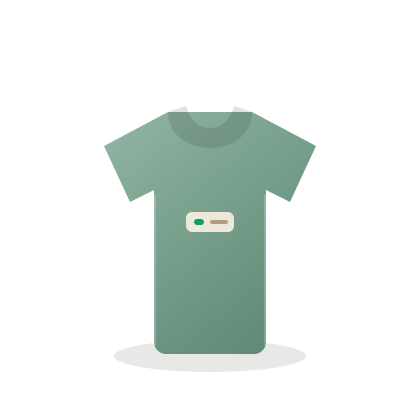
 Everyday Tee$28
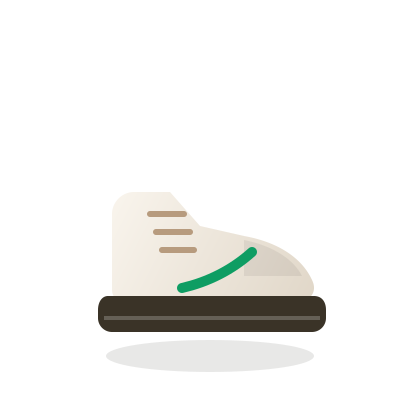
 Steel Bottle$18AddTrail Runner$64AddSteel Bottle$18AddEveryday Tee$28
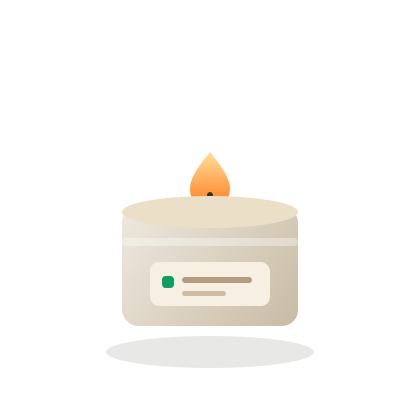 Travel Candle$9Add
 20% off your next order
If you've said any of these, you're in the right place.
Nobody wakes up wanting to re-order a collection. Something looked wrong, and you went looking for a way to stop fixing it by hand.
Sold-out products hog the front row
Shopify's default sort leaves a sold-out product right where it was, someone has to notice and move it by hand. QSortby drops it within minutes automatically, and brings it back the moment it's restocked.
New drops get buried before they have a chance
A brand-new product has no sales history yet, so a best-seller sort puts it at the bottom on day one. QSortby factors in how new it is too, so it can actually rise.
Every visitor sees the exact same order
No matter what a shopper is looking for, the collection looks the same for everyone. QSortby builds a feed from what this visit is actually doing, no login or purchase history needed.
You reorder a collection and have no idea if it helped
The order changes, then you wait two weeks and guess whether sales moved because of it or for ten other reasons. QSortby runs the new order as an A/B test against the old one, so you get real numbers instead of a guess.
Merchandising breaks down past a few hundred products
Dragging products around by hand works fine with twenty items. With a thousand, it's just not possible anymore. QSortby lets you set the rule once and apply it to every collection, new products sort themselves in without you touching a thing.
Nobody can explain why a product ranks where it does
Someone asks why a product is sitting where it is, and most apps just don't tell you. QSortby shows you the rule behind every ranking in plain language, and you can change it anytime.
Let your storefront optimize itself — and prove it did.
Install free, run it on one collection, and read the attributed revenue in your own dashboard.